New article
Recently updated
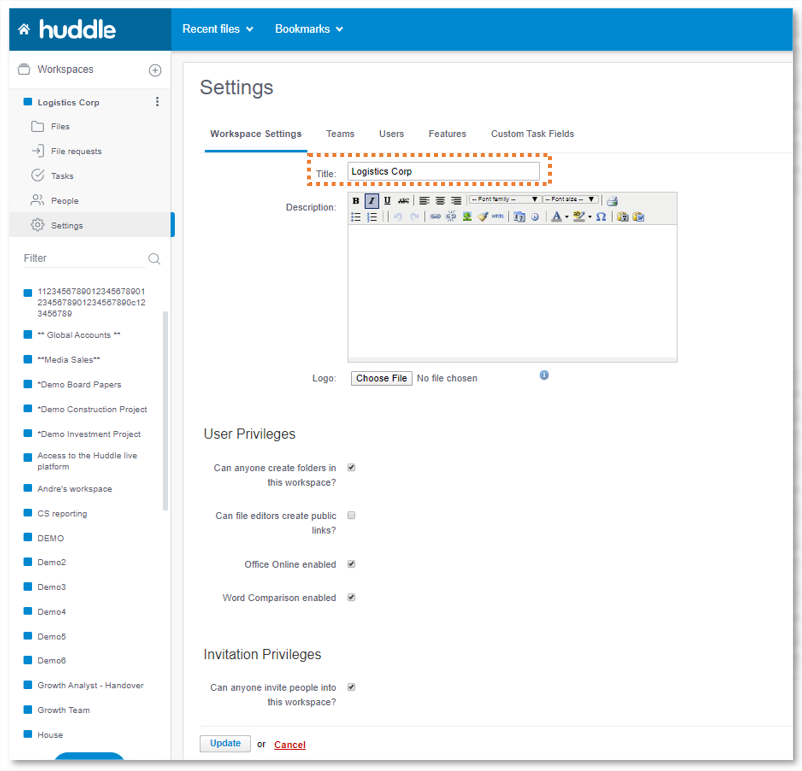
How do I change the name of my workspace?

If you created a workspace or are set as a Workspace Manager (i.e. have access to the Settings tab) you can change the title and description of your workspace at any time. Go to the Settings tab, scroll down slightly and click the Edit Workspace Settings button. Then simply edit the title and description fields and click Update.