New article
Recently updated
Changing your timezone in Huddle

As a user of Huddle in a different timezone to London it's important to set the correct timezone in your profile to make sure that all your Huddle notifications and activity logs are registered at the correct time.
To edit your timezone, follow the steps below:
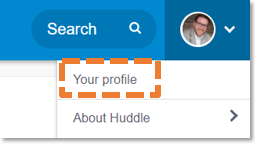
1. Click the blue arrow next to your profile picture in the top right hand corner of your Huddle screen.

2. Click My profile in the drop-down menu.
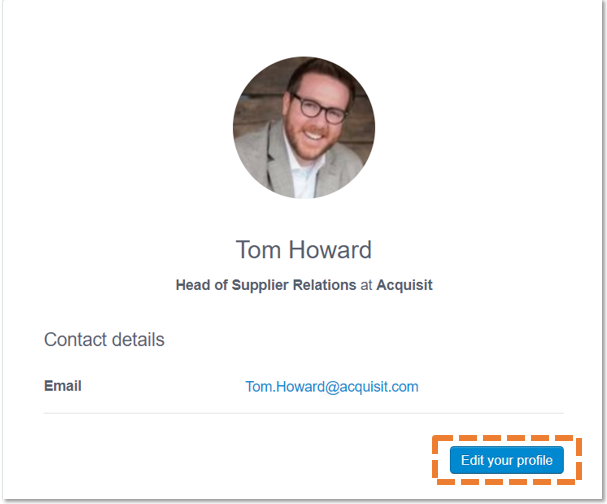
3. Click Edit your profile.
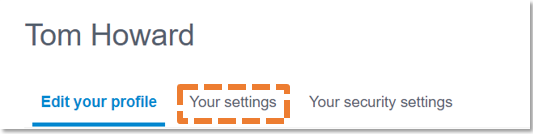
4. Select the Your settings tab.
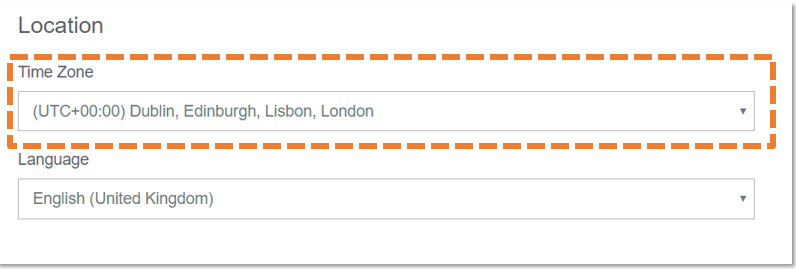
5. Choose your timezone from the first drop-down menu.
6. Scroll down the page and click Update.