


New article
Recently updated
How do I remove an assigned user from a task?

To remove a user who is assigned to a task, simply click the users under 'Assign to’.
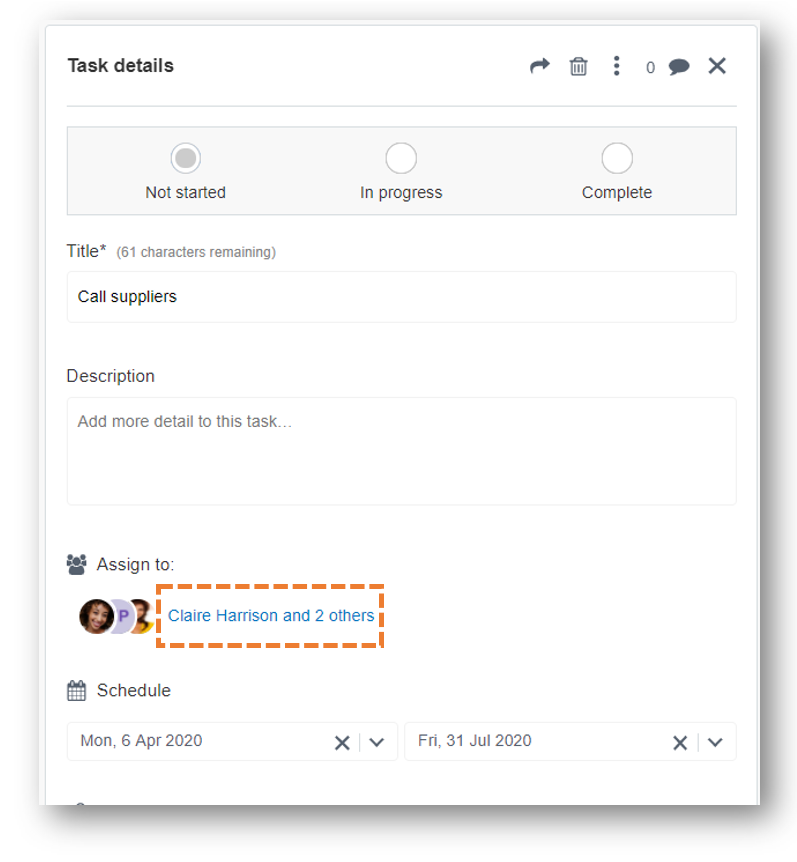
This will result in a pop-up menu of who is currently assigned that task:
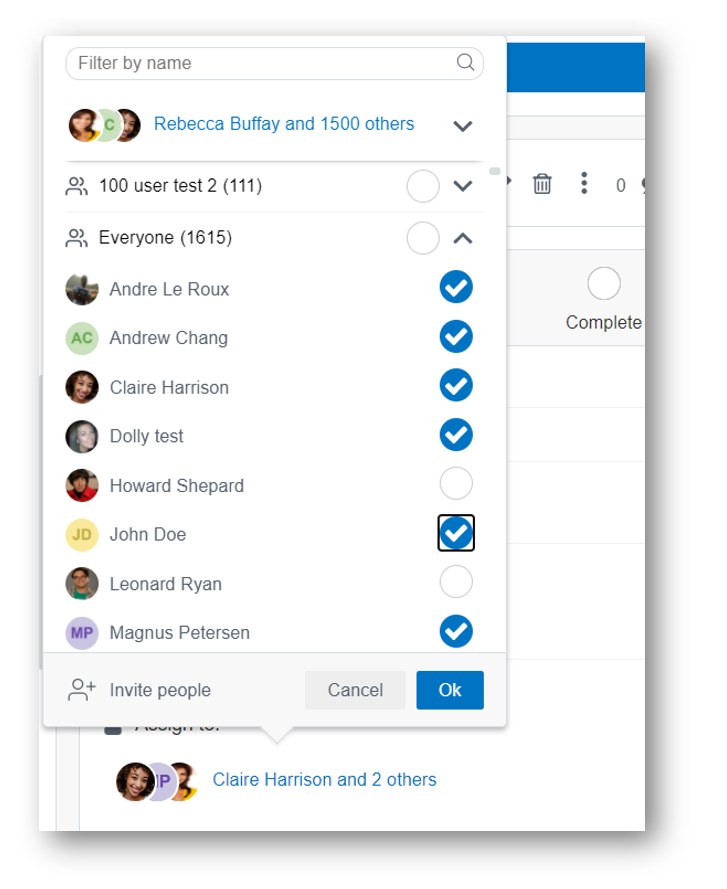
Deselect the person you wish to remove from the task:
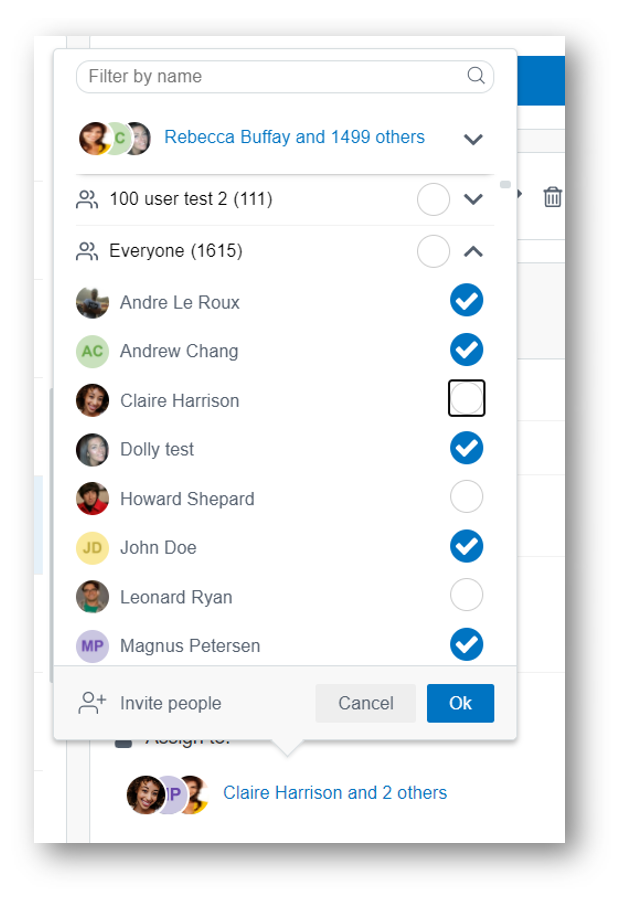
Click 'Ok':
Then click 'Save'
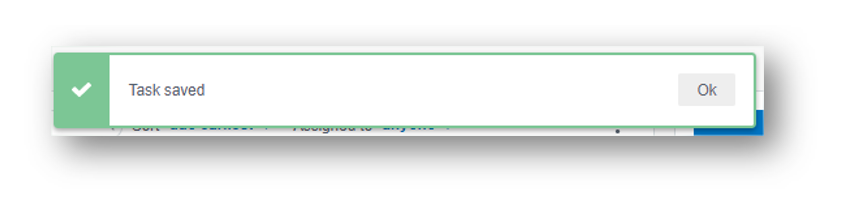
You have now removed that person from the task.