


New article
Recently updated
How do I add a comment to a task?

To add a comment to a task, click on the task to expand the task into a more detailed view.
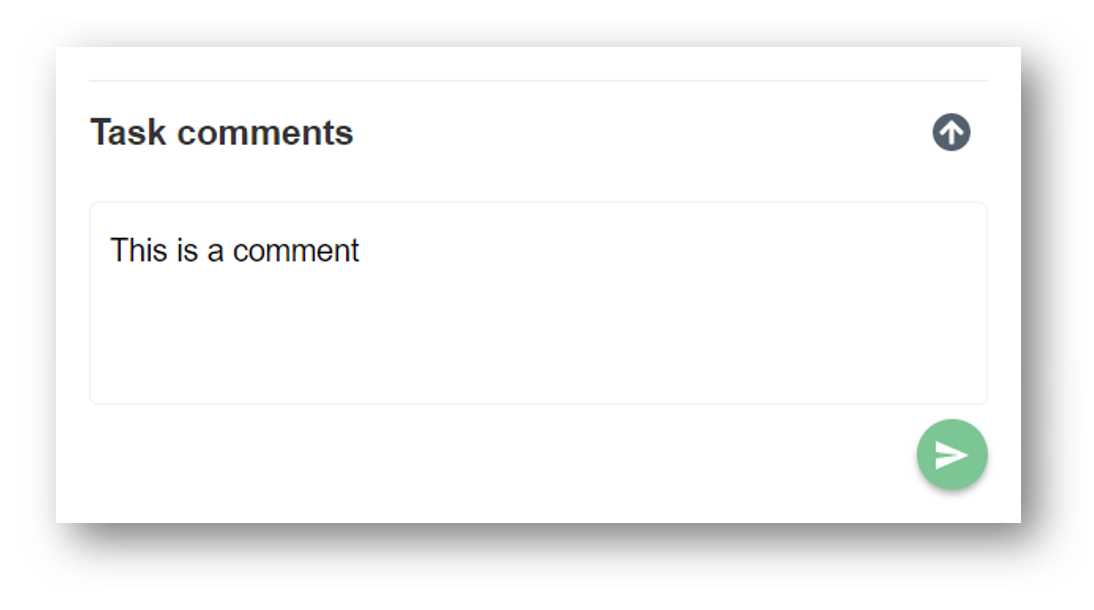
The “Task comments” section will be visible on the bottom right hand side panel. Add your comment and click on the green arrow to post the comment.
A notification and email will be sent to the task setter and the other assignees.