New article
Recently updated
Can I attach files to tasks?

You are able to attach files that are stored in that workspace to specific tasks.
First, select the task by clicking on the title.
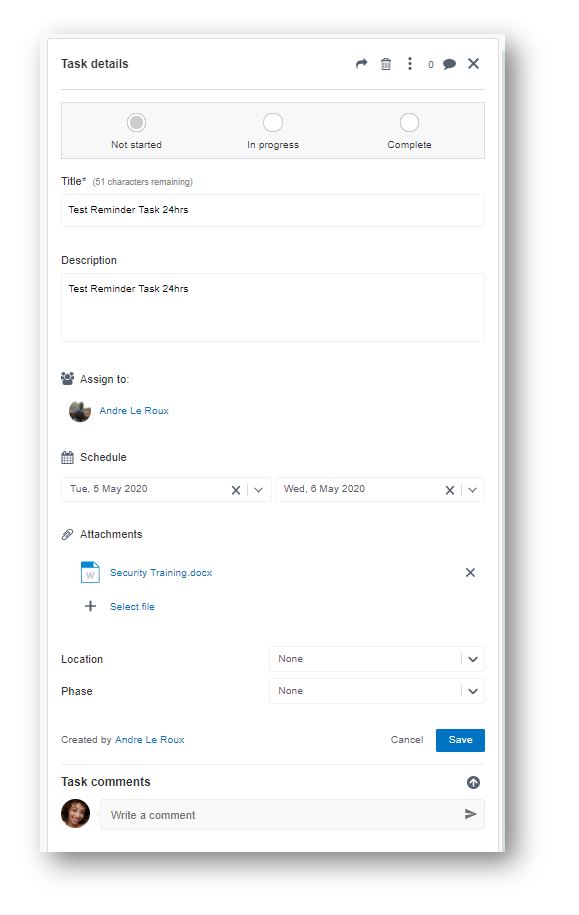
After selecting the task, you will see all the details of the task on the right-hand side:
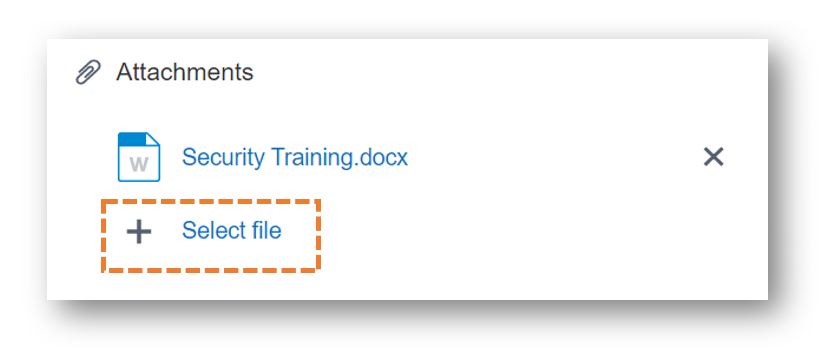
Click ‘Select file’ under the ‘Attachments’ heading:
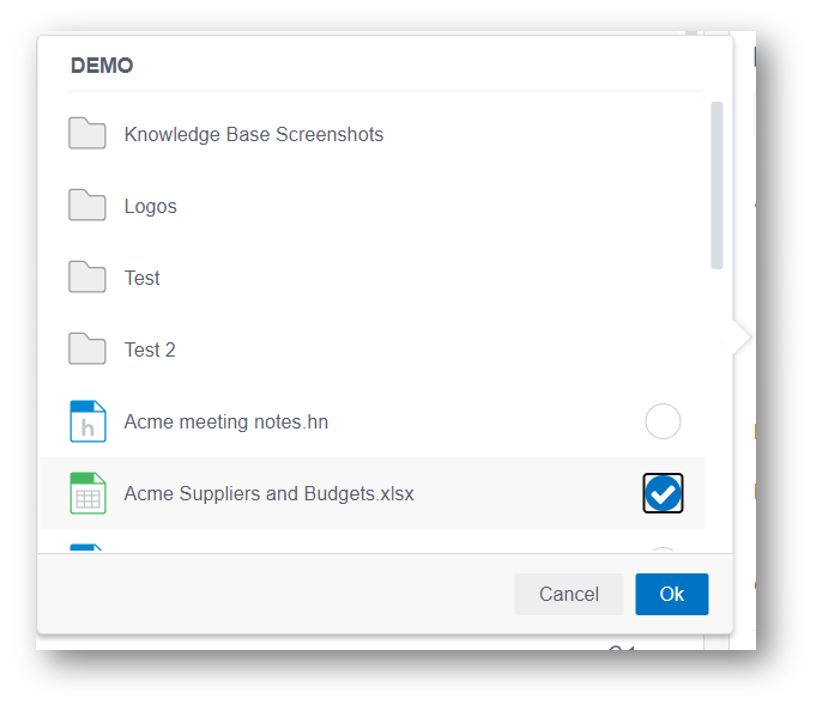
Choose your file and select OK:
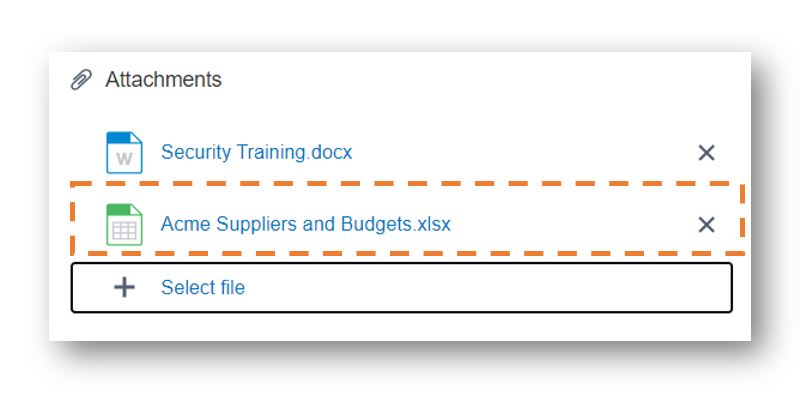
Your chosen file will now show as attached. Then select ‘Save’